API & SDK
API
zPodFactory exposes its own API through FastAPI which leverages open standards:
On your zPodFactory instance:
- OpenAPI JSON:
http://zpodfactory.domain.lab:8000/openapi.json - Swagger UI:
http://zpodfactory.domain.lab:8000/docs
The API is usually consumed through the SDK or CLI rather than directly.
Notable endpoints
| Endpoint | Purpose |
|---|---|
GET /zpods/{id}/permissions/mine |
Returns the caller's effective permission level (ADMIN, OWNER, or USER) on a zPod — useful for UIs |
zPod create with features |
Pass config-scripts and other feature flags when creating a zPod (not yet exposed on zcli zpod create) |
SDK and CLI updates are published to PyPI. Regenerating the SDK from a running instance means fetching the current OpenAPI spec and rebuilding zpodsdk — a multi-step workflow that also has to run in the right container context.
The zpodcore repo is a monorepo (zpodapi, zpodengine, zpodcli, zpodsdk). Day-to-day development involves a lot of repetitive commands: start/stop Docker Compose, exec into a service, run tests with the right PYTHONPATH, regenerate OpenAPI, invoke zcli through uv, and so on. Rather than documenting long shell one-liners in README fragments, those workflows live as named recipes in the root justfile.
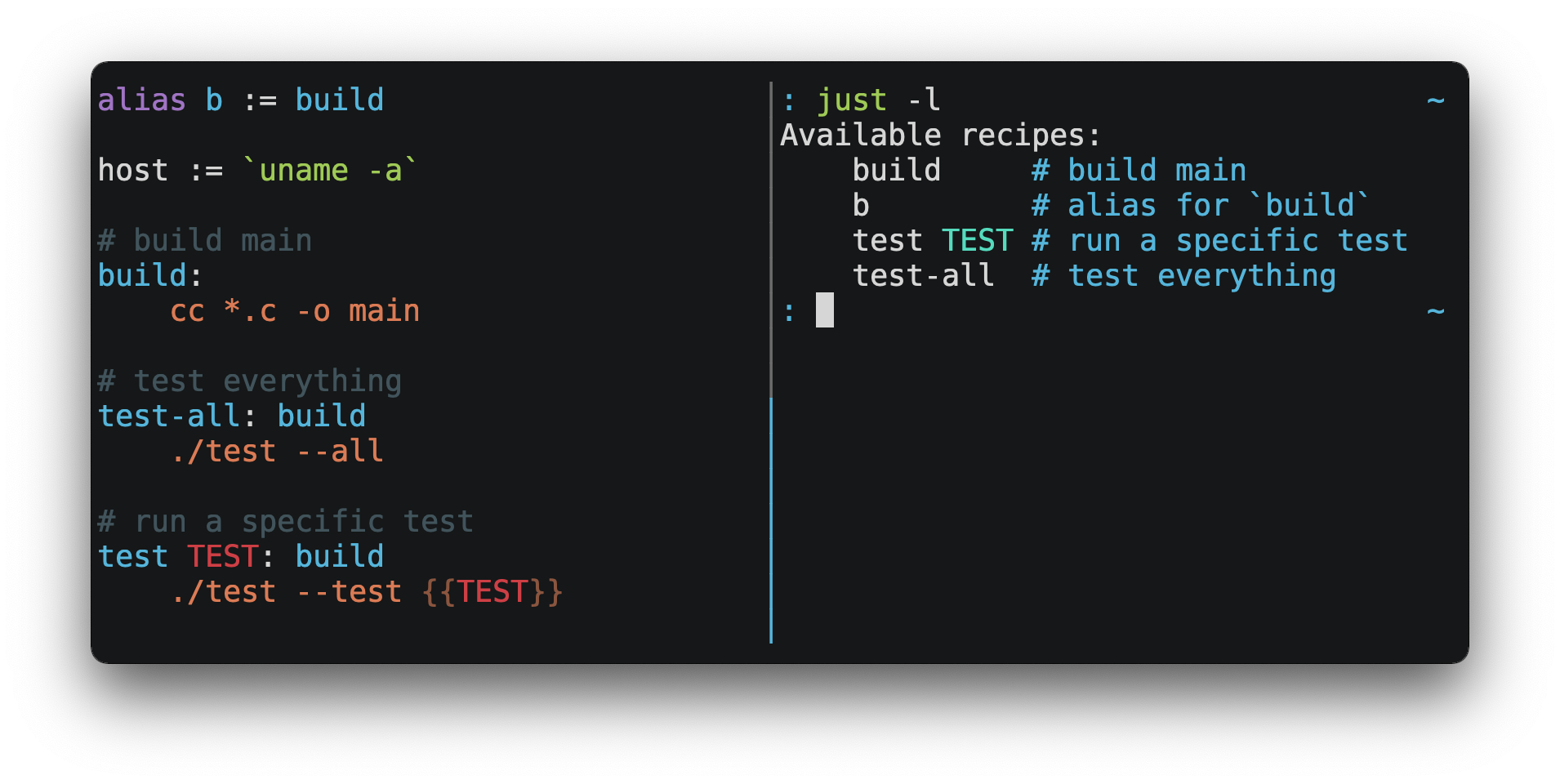
just is the command runner behind that — a small Makefile alternative with readable recipes, parameters, and just --list for discovery. If you contribute to zpodcore or need to refresh the SDK after API changes, you will use just more than raw docker/uv commands:
just commands
❯ just
Commands:
    alembic *args               # Run alembic command in zpodapi container
    alembic-downgrade rev="-1"  # Downgrade database schema -1
    alembic-revision message='update' # Generate alembic revision
    alembic-upgrade rev="head"  # Upgrade database schema to head
    zcli *args                  # Run zcli command
    zcore-transition            # Migrate profiles from zbox-* to zcore-*
    zpod-release version        # Create a release version
    zpod-update version         # Update to a release version
    zpod-runtests               # Run all subproject unit tests locally
    zpodapi-coverage            # Generate coverage docs
    zpodapi-exec *args="bash"   # Connect to zpodapi container and run command
    zpodapi-generate-openapi    # Generate openapi json
    zpodapi-pytest *args        # Run pytest in zpodapi
    zpodcore-start              # Start Docker Environment
    zpodcore-start-background   # Start Docker Environment in background
    zpodcore-stop               # Stop Docker Environment
    zpodengine-cmd *args        # Manually Run Command
    zpodengine-deploy-all       # Deploy all Flows
    zpodengine-prefect *args    # Manually Run Prefect Command
    zpodengine-run *args="bash" # Run command using zpodengine container
    zpodsdk-update              # Update zpodsdk
SDK
SDK is available on PyPI:
CLI
CLI is available on PyPI:
Many list/info commands support --json / -j and --no-color for scripting. See the Admin and User guides for command examples.
Development setup
The zpodcore monorepo uses uv (not Poetry) for dependency management. Each subproject (zpodapi, zpodengine, zpodcli, zpodsdk) has its own pyproject.toml and uv.lock. See the zpodcore README for setup instructions.